Artificial Intelligence is no longer just a trend — in 2026, it’s a core part of how students study, research, write, and stay organized. From high school to university level, AI tools are helping students learn faster, reduce stress, and improve academic performance.
In this detailed guide, you’ll discover:
- ✔ The best AI tools for students in 2026
- ✔ Key features and benefits
- ✔ Pricing overview
- ✔ Pros and cons
- ✔ How to use them responsibly
- ✔ Tips to get maximum results
Let’s dive in.
1️⃣ ChatGPT – The Ultimate AI Study Assistant
4
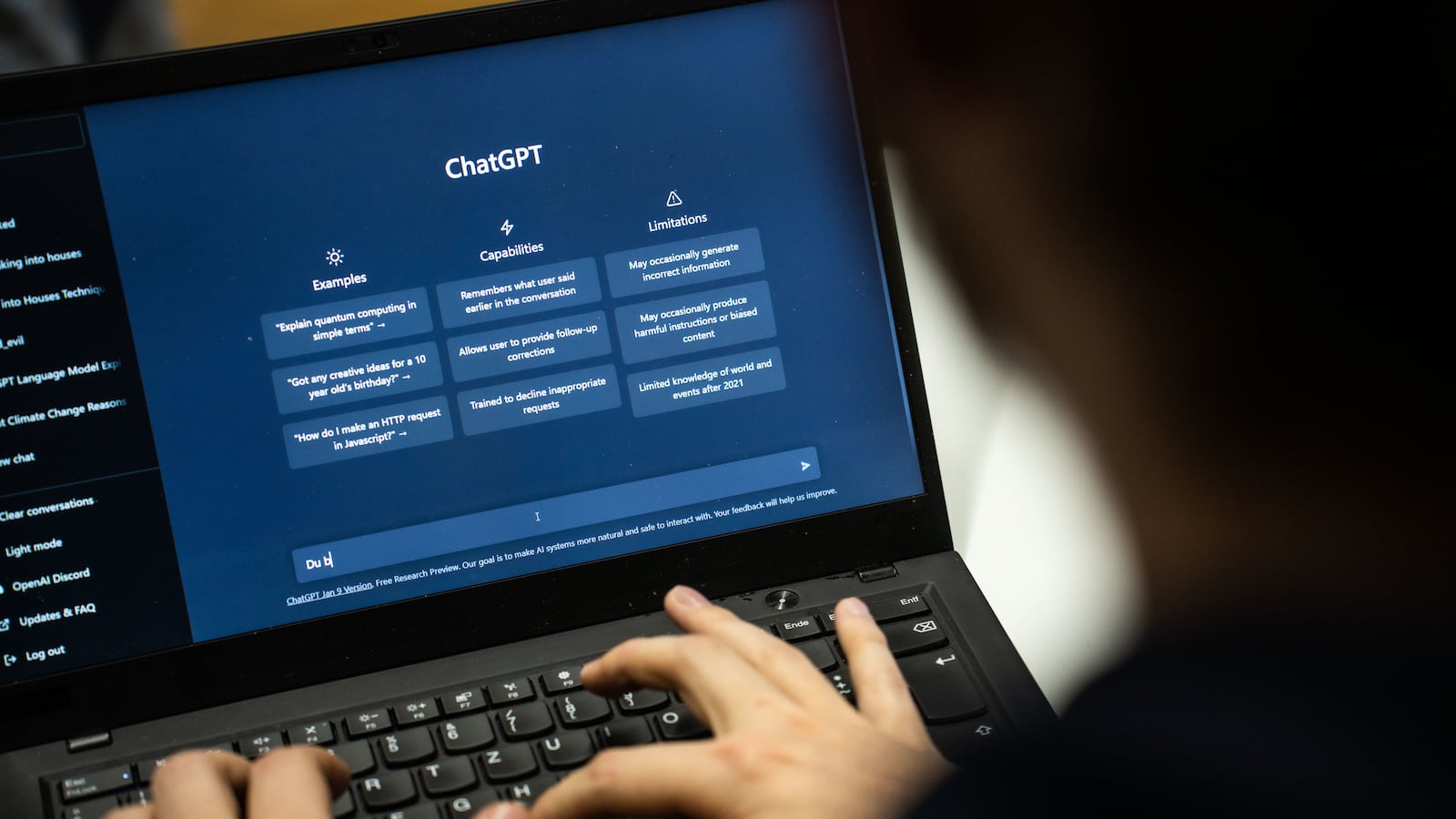
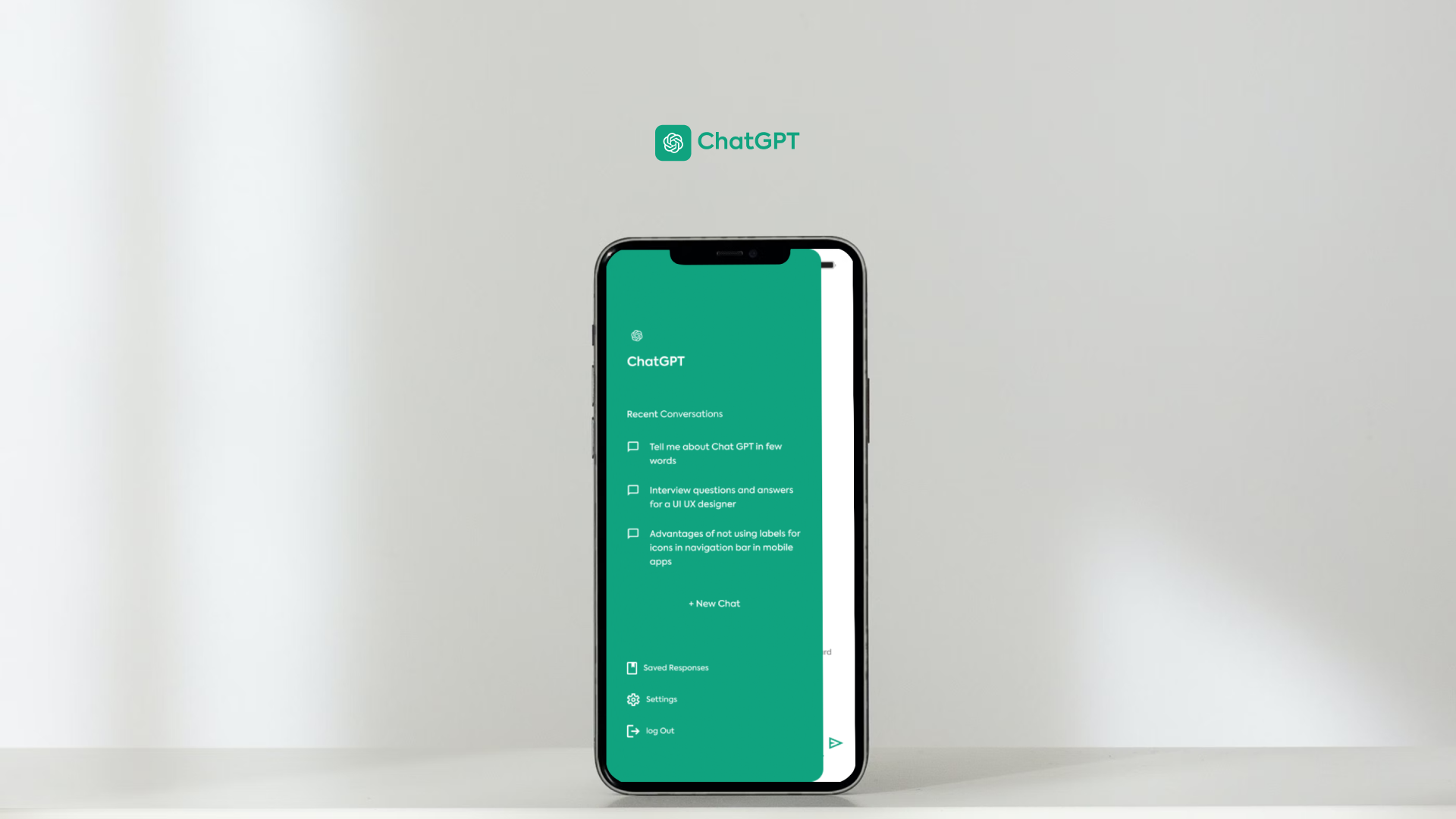
Developed by OpenAI, ChatGPT remains the most powerful AI learning assistant in 2026.
🔎 What It Does
ChatGPT can:
- Explain complex topics in simple language
- Solve math problems step-by-step
- Help write essays and assignments
- Summarize long notes or PDFs
- Generate study plans
- Create practice quizzes
- Translate languages
🎯 Why It’s Perfect for Students
Unlike traditional search engines, ChatGPT gives personalized explanations. If you don’t understand something, you can ask it to explain again — simpler, shorter, or with examples.
It works like a 24/7 private tutor.
💰 Pricing (2026)
- Free plan (limited features)
- Plus/Pro plans with advanced AI models and faster responses
✅ Pros
✔ Easy to use
✔ Covers all subjects
✔ Great for brainstorming
✔ Saves time
❌ Cons
✖ Can sometimes provide incorrect information
✖ Requires fact-checking for academic citations
2️⃣ Grammarly – Academic Writing Made Easy
4
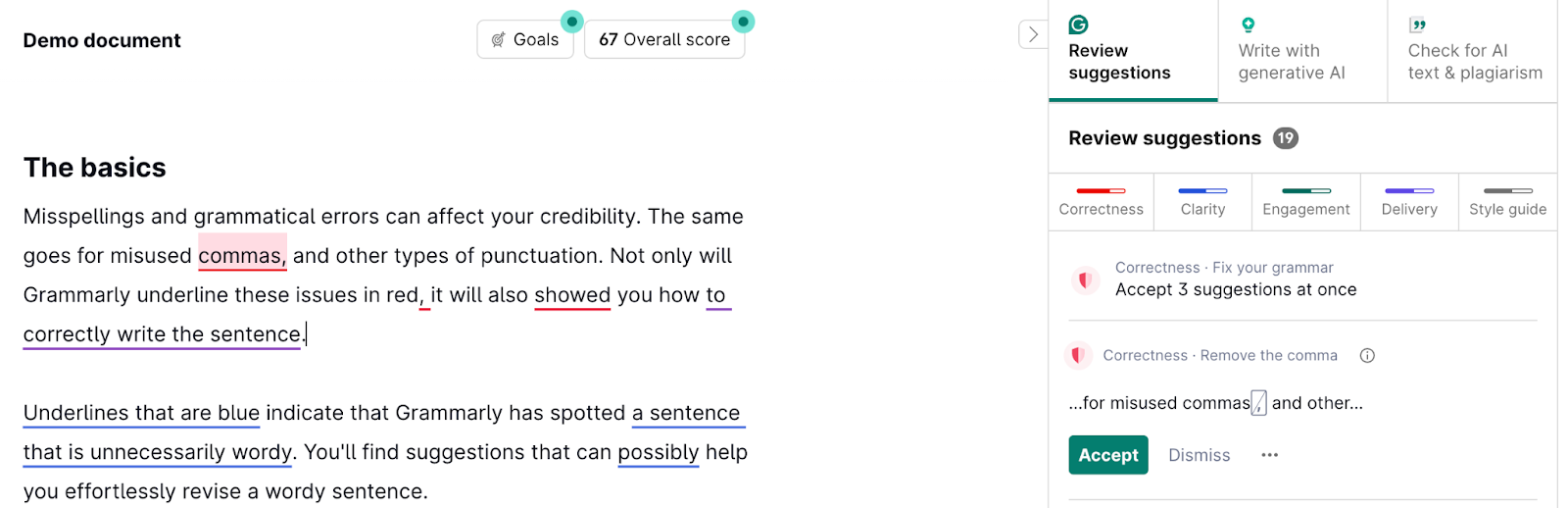
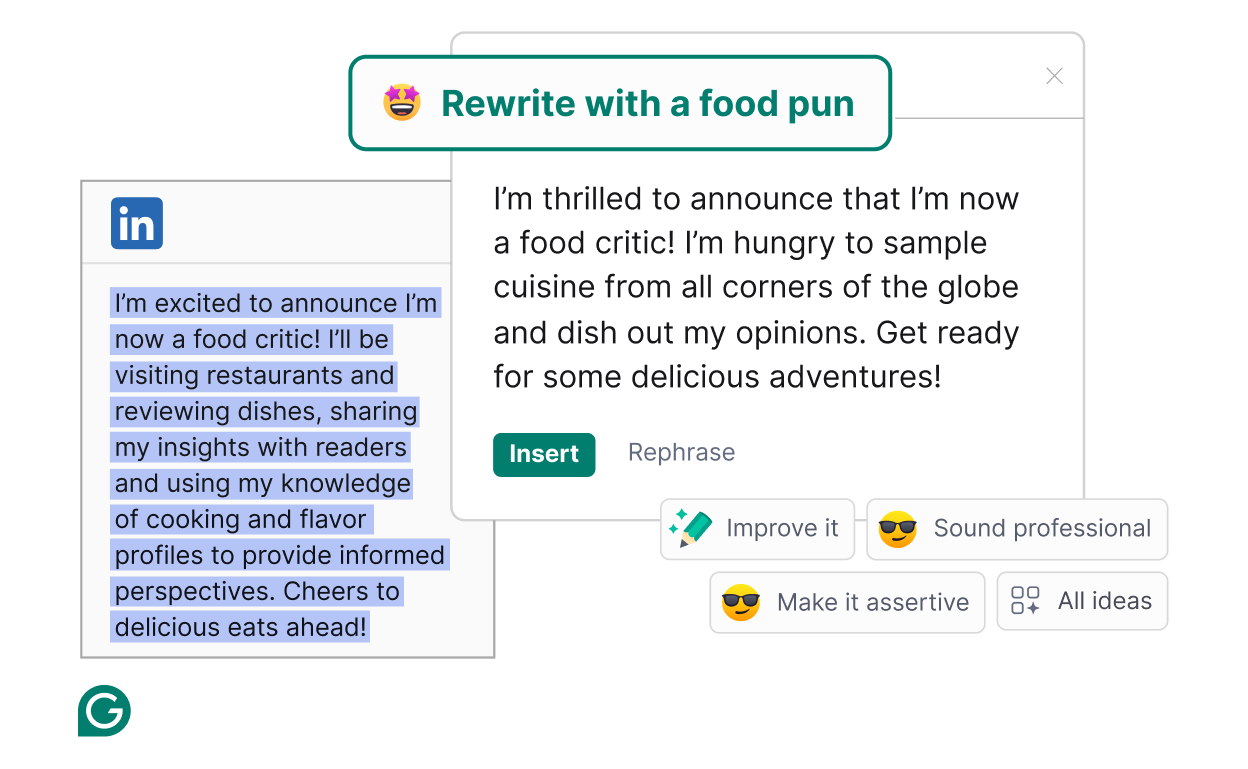
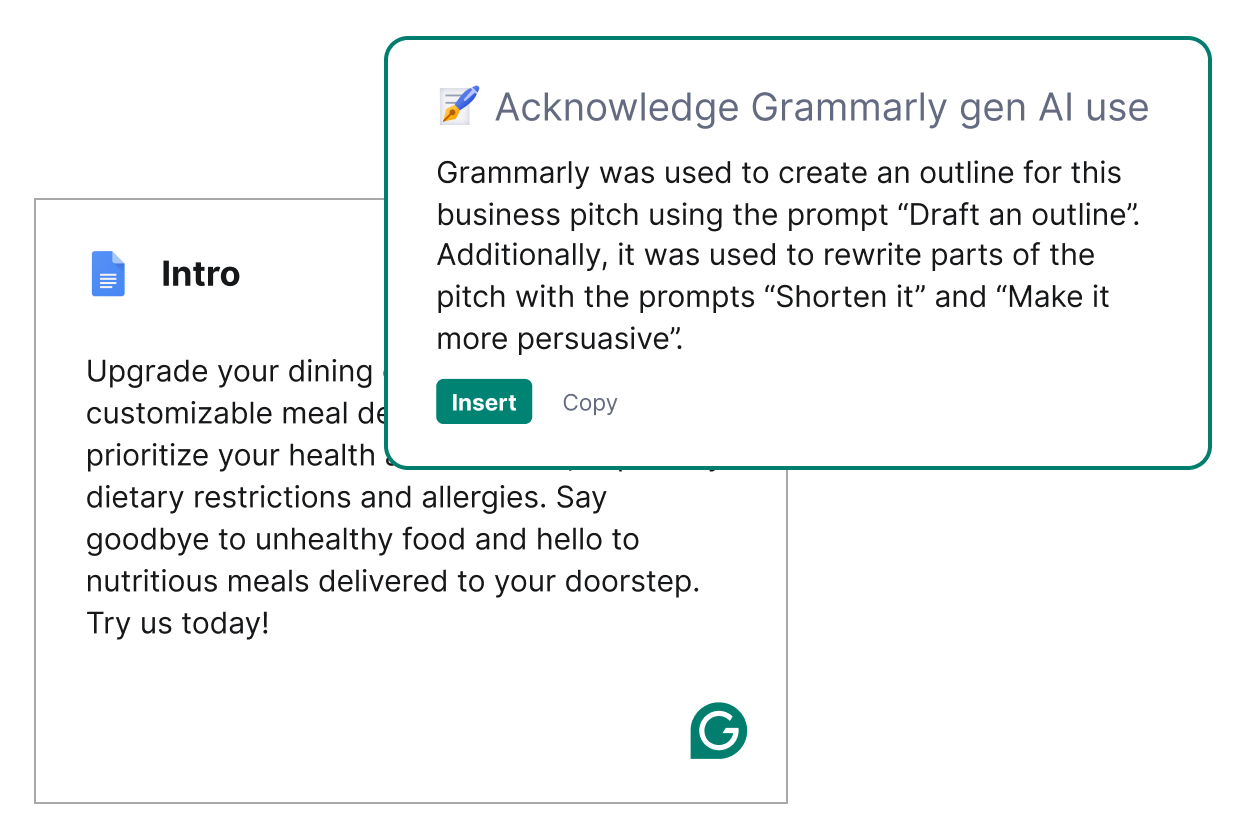
Grammarly is a must-have tool for essays, assignments, and research papers.
🔎 Key Features in 2026
- Grammar and spelling correction
- AI sentence rewriting
- Tone and clarity suggestions
- Plagiarism detection
- Citation support
🎯 Why Students Love It
It doesn’t just correct mistakes — it improves writing quality. It’s especially helpful for non-native English speakers.
💰 Pricing
- Free basic grammar checker
- Premium plan with advanced writing suggestions
✅ Pros
✔ Improves academic writing
✔ Easy browser integration
✔ Plagiarism checker included
❌ Cons
✖ Premium features require payment
3️⃣ Notion AI – Smart Note-Taking & Organization

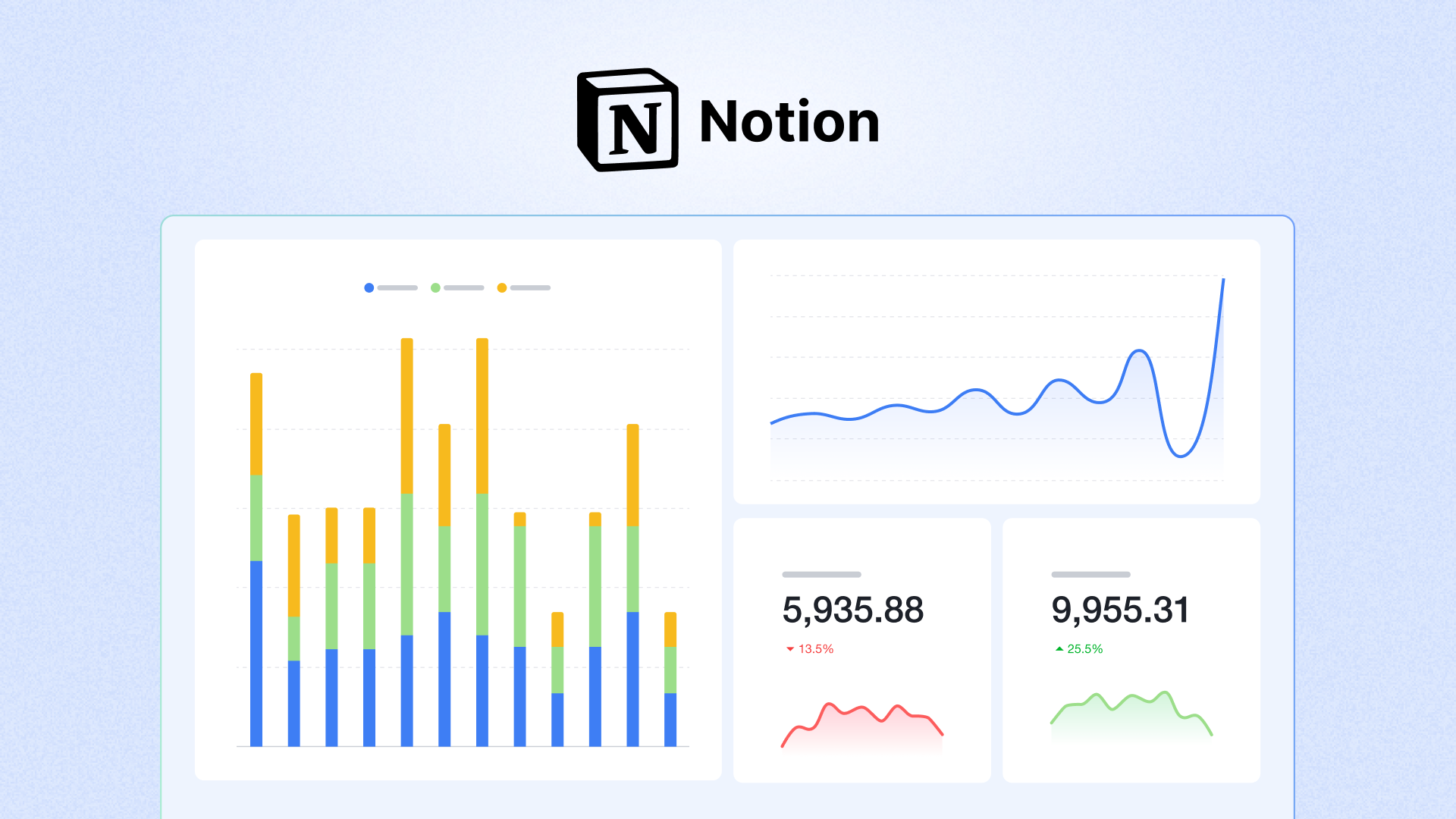
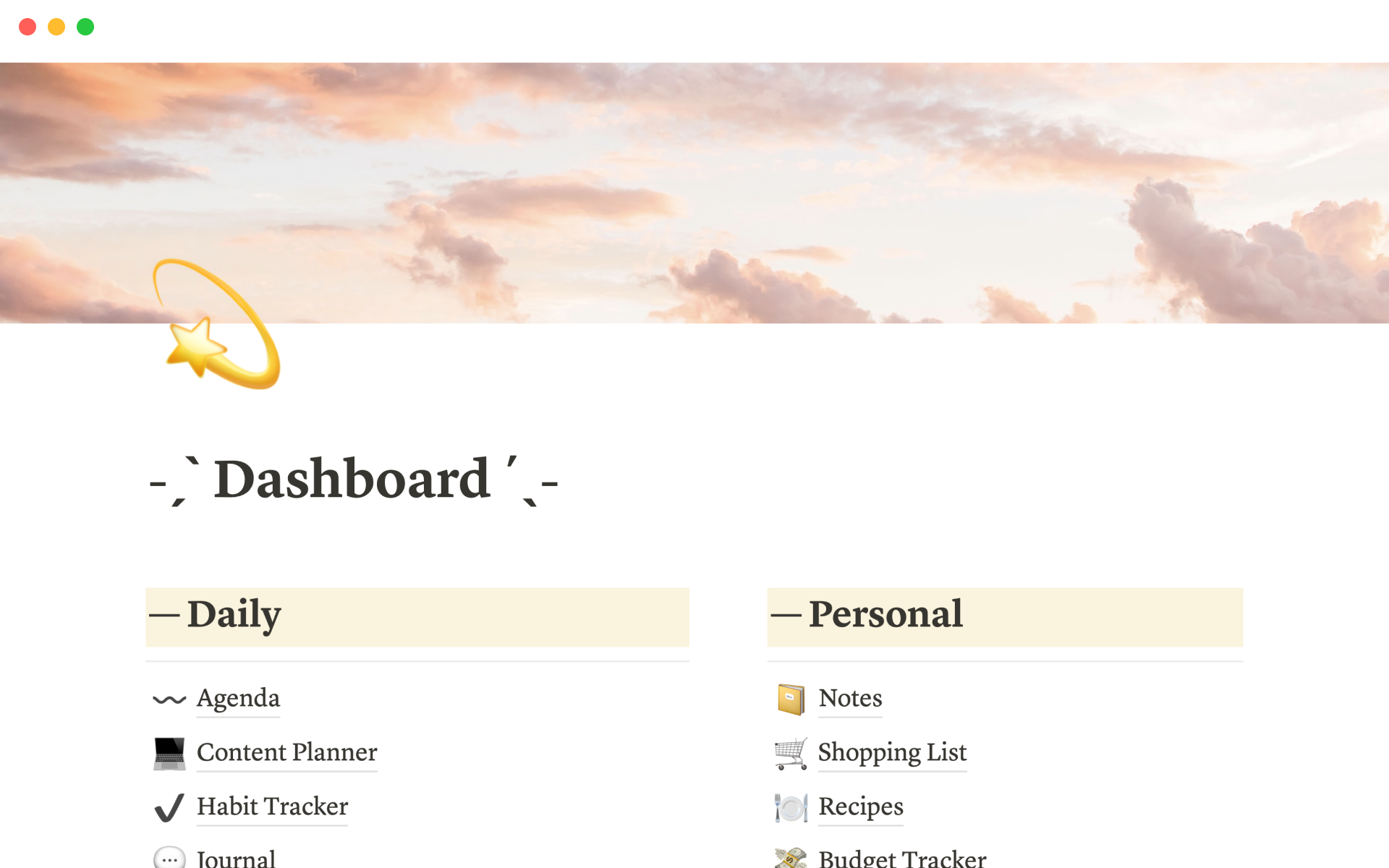
Notion with Notion AI helps students manage their academic life efficiently.
🔎 What It Can Do
- Summarize lecture notes
- Turn messy notes into clean outlines
- Generate task lists
- Create study schedules
- Organize research
🎯 Best For
Students who struggle with organization and time management.
💰 Pricing
- Free personal plan
- AI add-on available
✅ Pros
✔ Keeps everything in one place
✔ Improves productivity
✔ Excellent for project management
❌ Cons
✖ Slight learning curve
4️⃣ Perplexity AI – Research with Sources
4
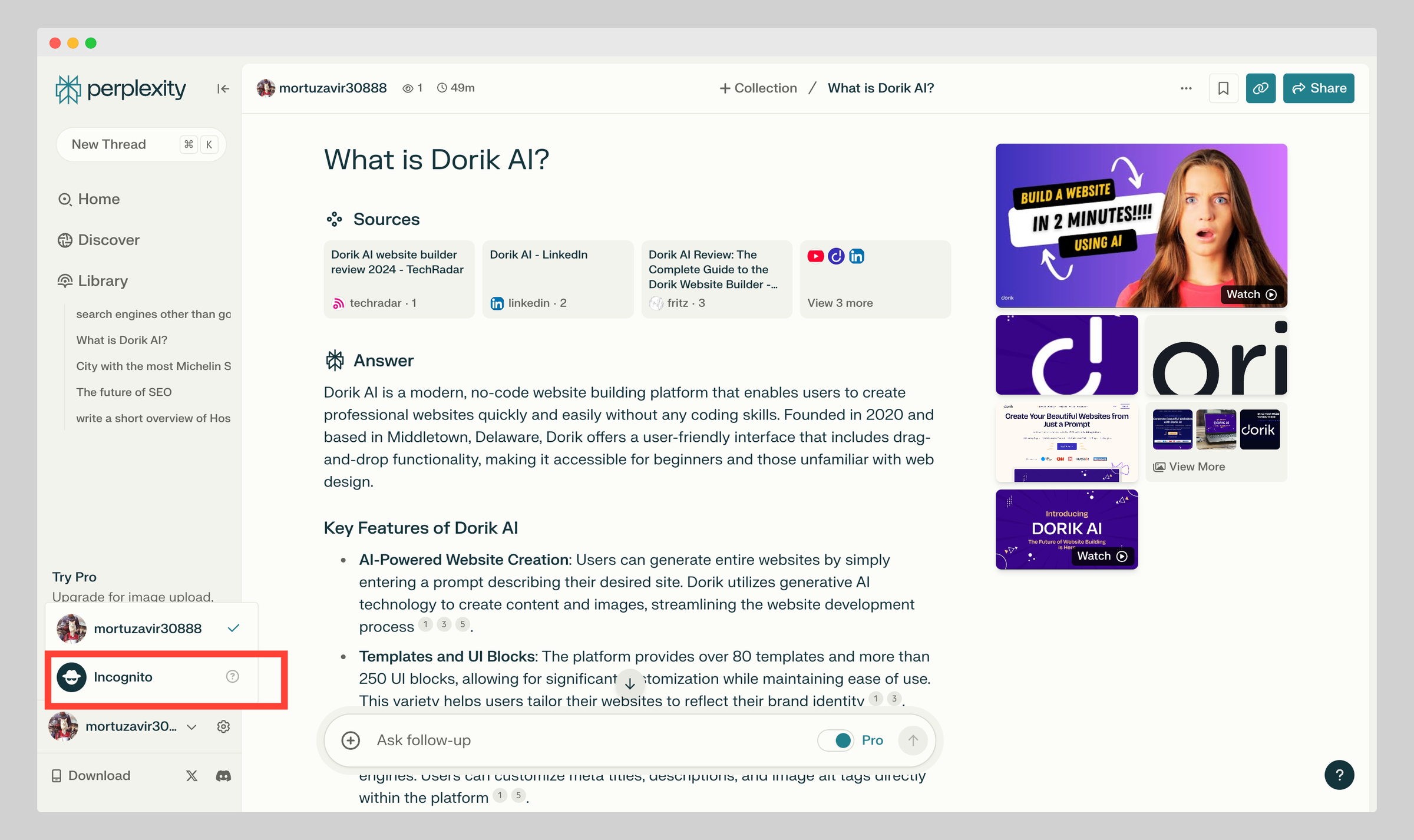
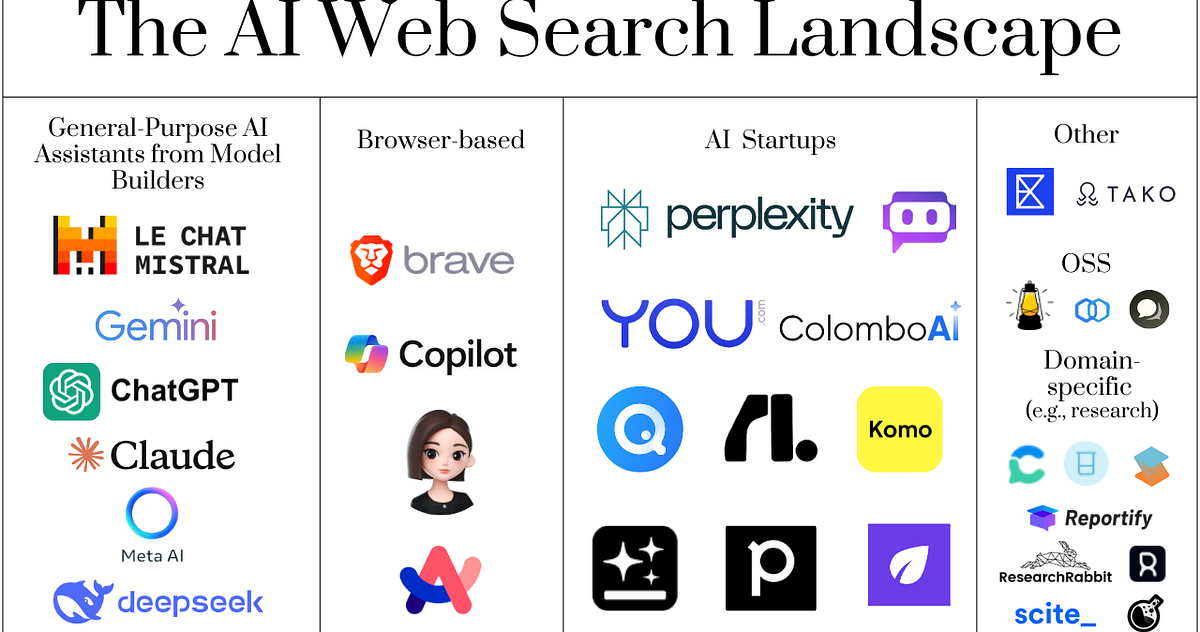
Perplexity AI is one of the best AI-powered research tools in 2026.
🔎 What Makes It Different?
Unlike basic AI chatbots, Perplexity provides:
- Direct answers
- Source citations
- Web-based references
- Academic-friendly responses
🎯 Ideal For
- Research papers
- Fact-checking
- Comparing multiple viewpoints
💰 Pricing
- Free version available
- Pro plan for deeper research
✅ Pros
✔ Provides sources
✔ Saves research time
✔ More reliable for academic work
❌ Cons
✖ Limited advanced features in free plan
5️⃣ Canva AI – Create Professional Presentations

4
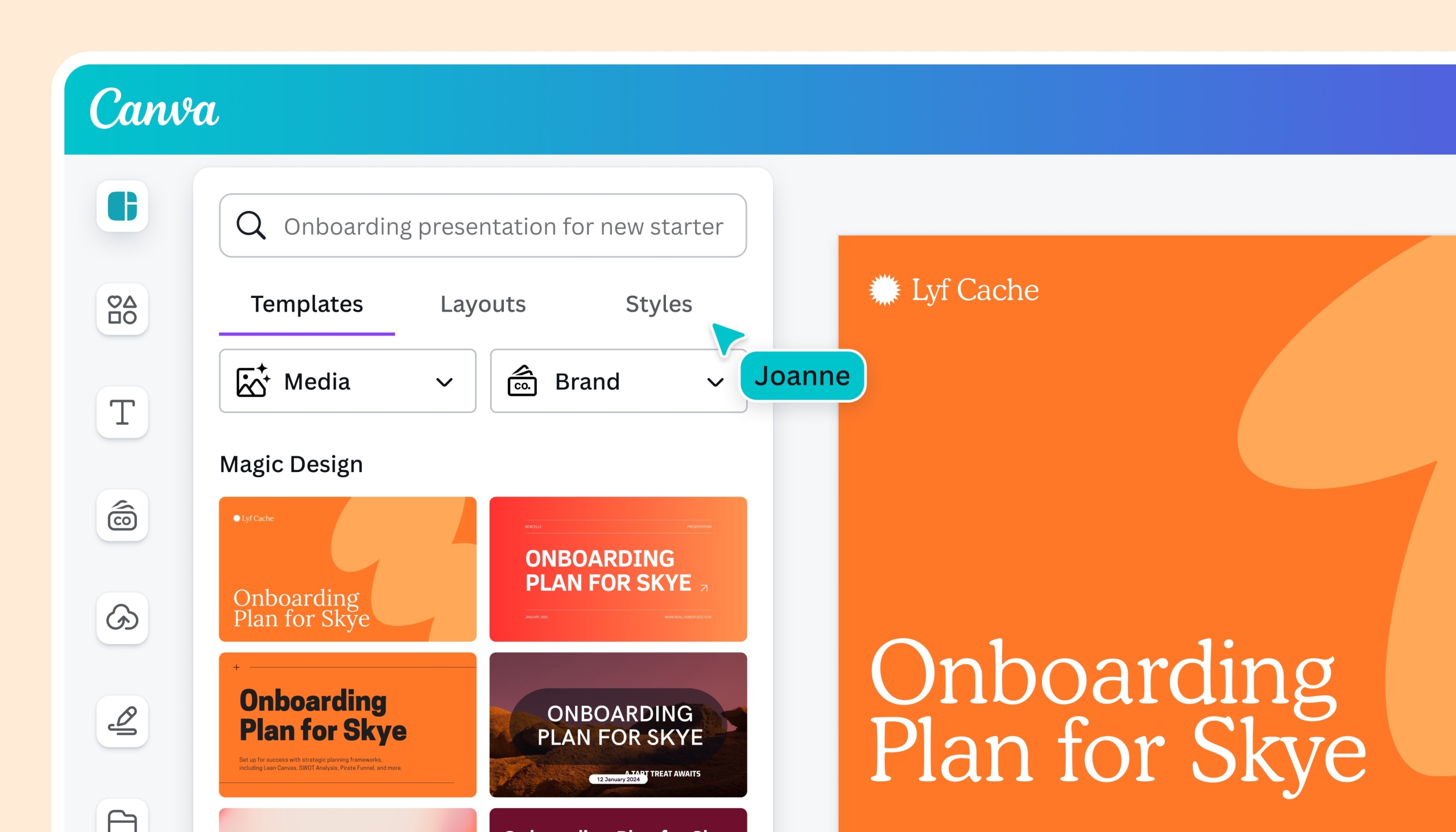
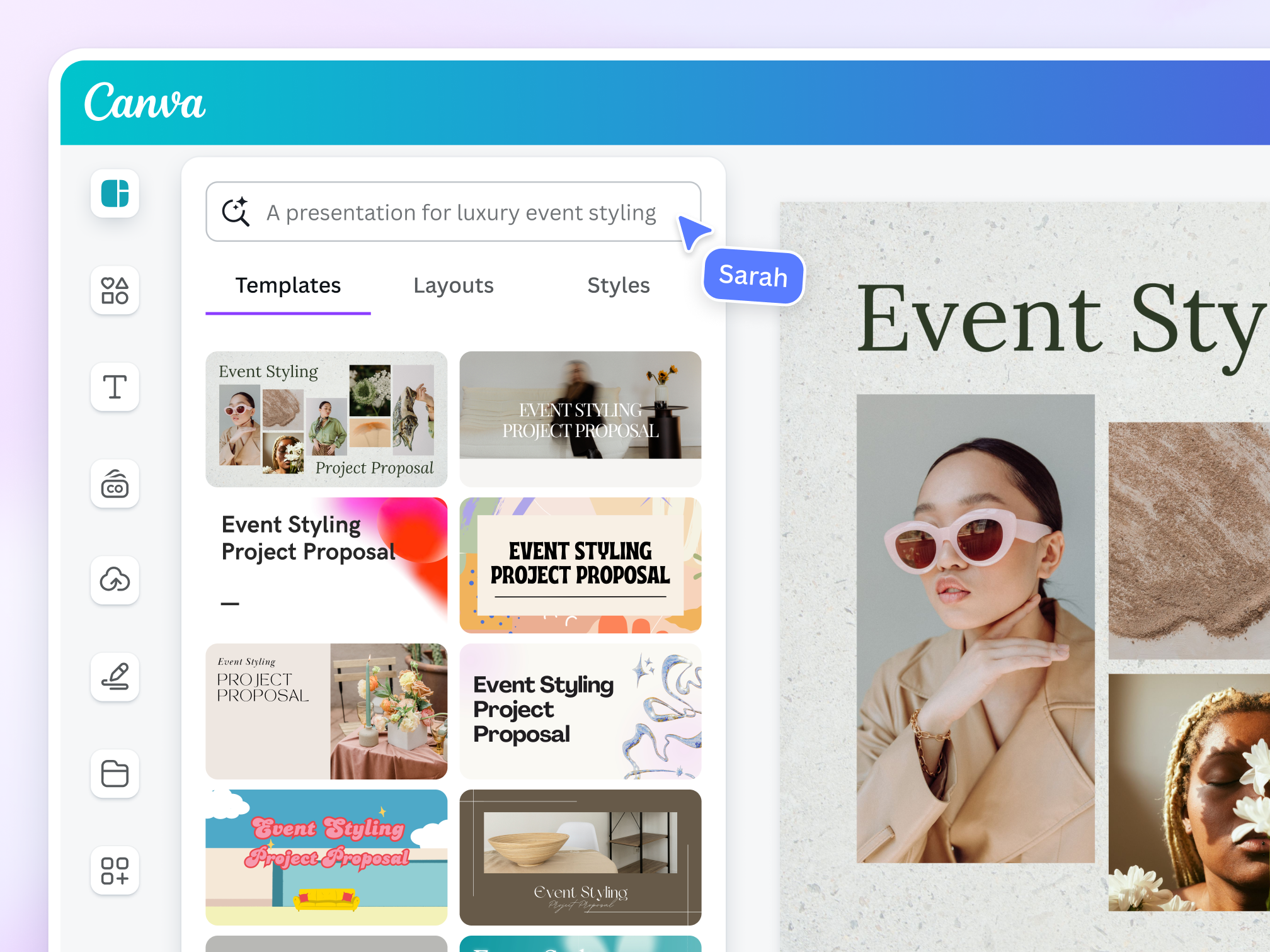
Canva has integrated powerful AI tools to help students create stunning visuals.
🔎 AI Features
- Magic Design (auto-slide creation)
- AI image generator
- Instant background removal
- Smart templates
🎯 Best For
- School presentations
- Posters
- Infographics
- Resumes
💰 Pricing
- Free version available
- Canva Pro for advanced features
✅ Pros
✔ No design skills needed
✔ Huge template library
✔ Fast presentation creation
❌ Cons
✖ Some premium templates require subscription
🔐 Responsible Use of AI in Education (Very Important)
AI should enhance learning — not replace it.
Smart Usage Tips:
✔ Use AI to understand concepts
✔ Rewrite and personalize AI outputs
✔ Always fact-check
✔ Follow your school’s AI guidelines
✔ Avoid direct copy-paste submissions
Remember: Professors can detect AI-generated work. The goal is to learn smarter, not cheat smarter.
📊 How AI Is Changing Student Life in 2026
AI helps students:
- Save 5–10 hours per week
- Reduce assignment stress
- Improve writing quality
- Study more efficiently
- Manage deadlines better
Students who know how to use AI tools properly have a clear academic advantage.
🏆 Final Verdict: Which AI Tool Should You Start With?
If you’re just beginning:
- Start with ChatGPT for learning support
- Add Grammarly for writing
- Use Notion AI for organization
- Try Perplexity AI for research
- Use Canva AI for presentations
You don’t need all tools at once. Start with one, master it, and expand gradually.
📌 Conclusion
In 2026, AI tools are essential academic companions. They help students:
✔ Learn faster
✔ Write better
✔ Stay organized
✔ Create professional projects
✔ Reduce stress
The future of education is AI-assisted learning — and students who adapt early will succeed faster.
Leave a Reply